This post may contain affiliate links. If you purchase through one of these links, I may earn a small commission at no extra cost to you.
Canva is one of the easiest design tools for beginners, but do you really need Canva Pro?
The answer depends on what you create, how often you use Canva and whether you are building a business. This guide compares Canva Free and Canva Pro so you can choose the right plan without paying for features you do not need.
Canva Free
Canva Free is a good place to start if you are new to design or only create occasionally.
You can use it to make:
• Pinterest Pins
• Social media posts
• Presentations
• Printable planners
• Checklists and worksheets
• Invitations and cards
• Simple digital products
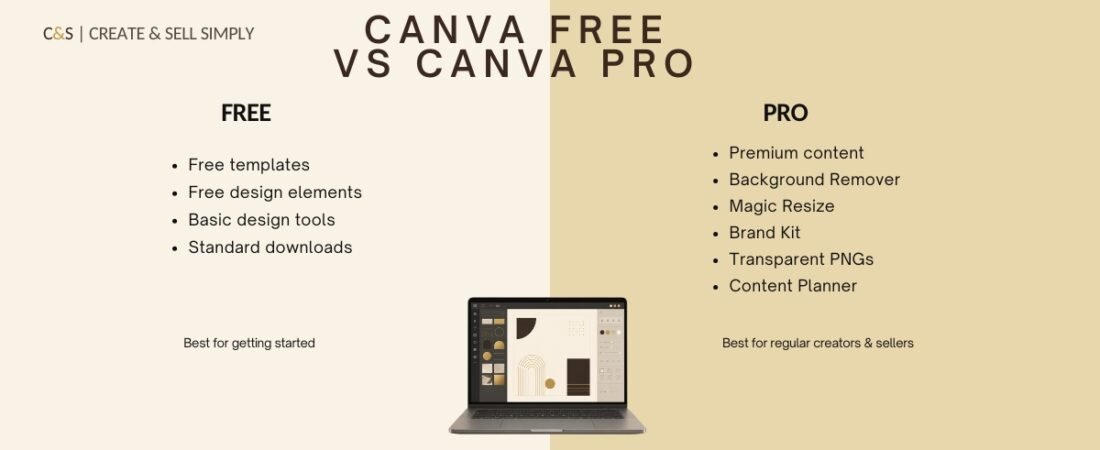
The free plan includes templates, design elements, fonts and standard download options. It provides enough tools to learn Canva and create your first few designs.
Who Is Canva Free Best For?
Canva Free is suitable for:
• Complete beginners
• Students and personal users
• People who create occasionally
• Anyone testing a digital product idea
• New sellers who want to keep costs low
If you are still learning or have not started earning from your designs, the free version is usually enough.
Canva Pro
Canva Pro is designed for people who create content regularly and want to save time.
Depending on your account and region, Pro features may include:
• A larger library of premium templates and content
• Background Remover
• Magic Resize
• Brand Kit
• Transparent PNG downloads
• Content planning and scheduling tools
• More storage and organisation features
These tools can make it easier to maintain a consistent brand and create multiple versions of a design.
Why Creators Choose Canva Pro
Canva Pro can be especially useful when you regularly create products, social media graphics or promotional materials.
For example, Magic Resize can help you adapt one design for Pinterest, Instagram and other platforms. Brand Kit keeps your colours, fonts and logos together, while Background Remover helps you create cleaner product images.
These features do not guarantee better designs, but they can make your workflow faster.
Canva Free vs Canva Pro: Quick Comparison
Canva Free:
• Best for beginners
• No monthly subscription
• Free templates and design elements
• Basic design and download tools
• Suitable for occasional use
Canva Pro:
• Best for regular creators and sellers
• Premium templates and content
• Time-saving design tools
• Brand management features
• More download and organisation options
Should You Upgrade to Canva Pro?
You probably do not need Canva Pro immediately if:
• You are just learning Canva
• You create only a few designs each month
• Free templates meet your needs
• You have not started selling yet
Canva Pro may be worth considering if:
• You create content every week
• You regularly use premium elements
• You need transparent PNG files
• You want to resize designs quickly
• You manage a consistent brand
• Canva saves you time in your business
A sensible approach is to begin with Canva Free and upgrade only when the paid tools solve a real problem in your workflow.
Can You Sell Products Made in Canva?
You can create and sell many types of finished digital products with Canva, but you must follow Canva’s current content licence terms.
Do not simply resell an individual Canva template, photo or graphic as a standalone product. Your final product should contain your own layout, creative decisions and original value.
Always check Canva’s latest licensing information before selling templates or products that contain Canva content.
Final Verdict
Canva Free is the best choice for most beginners. It gives you enough tools to practise, create your first digital product and test your ideas without paying a subscription.
Canva Pro becomes more valuable when you create regularly, need premium tools and want to save time.
Start free, learn the basics and upgrade when your work or business genuinely needs it.
Want ideas for your first product? Read: 7 Digital Products You Can Create in Canva.